Bit Teaching Kit (micro:bit)
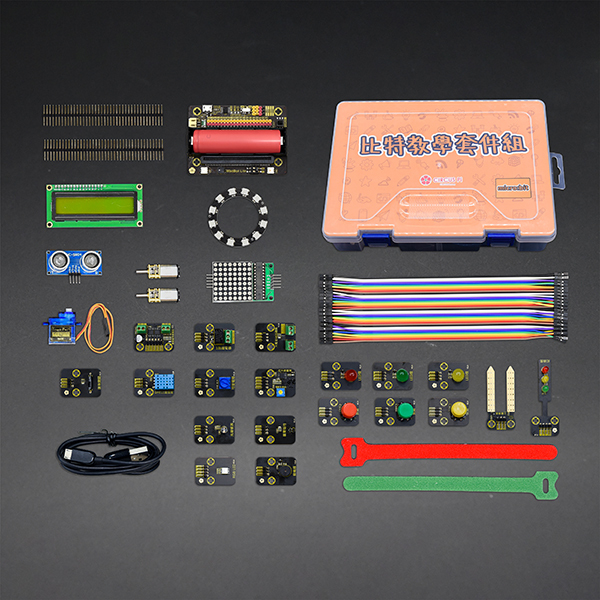
The kit includes a wide range of components suited to classroom teaching, maker workshops, and beginner projects, letting users progress from simple LED blinking and sensor triggering to full interactive systems.
The micro:bit is a small computer developed by the BBC for young people, and a good tool for kids learning to program. It uses MakeCode, an easy-to-use editor where programs are built by dragging and dropping blocks (Blockly).
The kit includes a wide range of components suited to classroom teaching, maker workshops, and beginner projects, letting users progress from simple LED blinking and sensor triggering to full interactive systems.
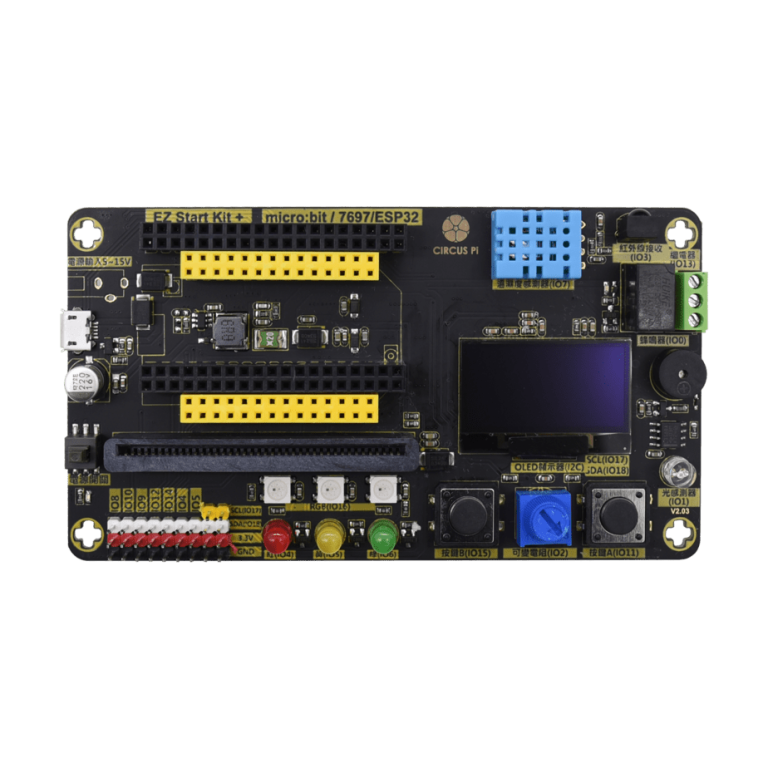
EZ Start Kit+ (micro:bit) is a 3-in-1 expansion board with a built-in light sensor, RGB LED, buzzer, infrared receiver, and OLED display, so students can learn a range of sensing and output applications through MakeCode.
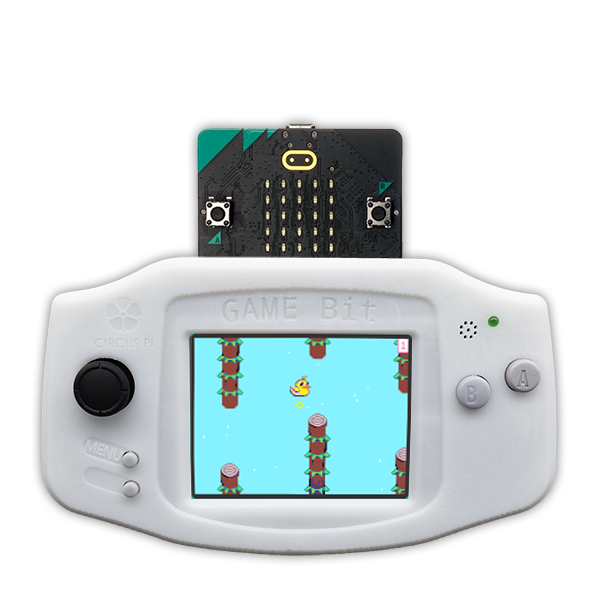
Game:Bit is a new product built on Microsoft Arcade games, giving micro:bit learners another option.
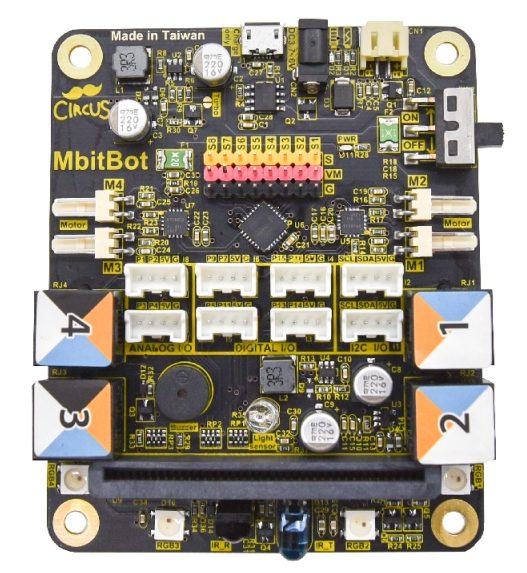
MbitBot has four ports compatible with the Makeblock RJ25 interface, so you can connect Makeblock peripheral sensor modules directly, with no need to buy additional sensors.
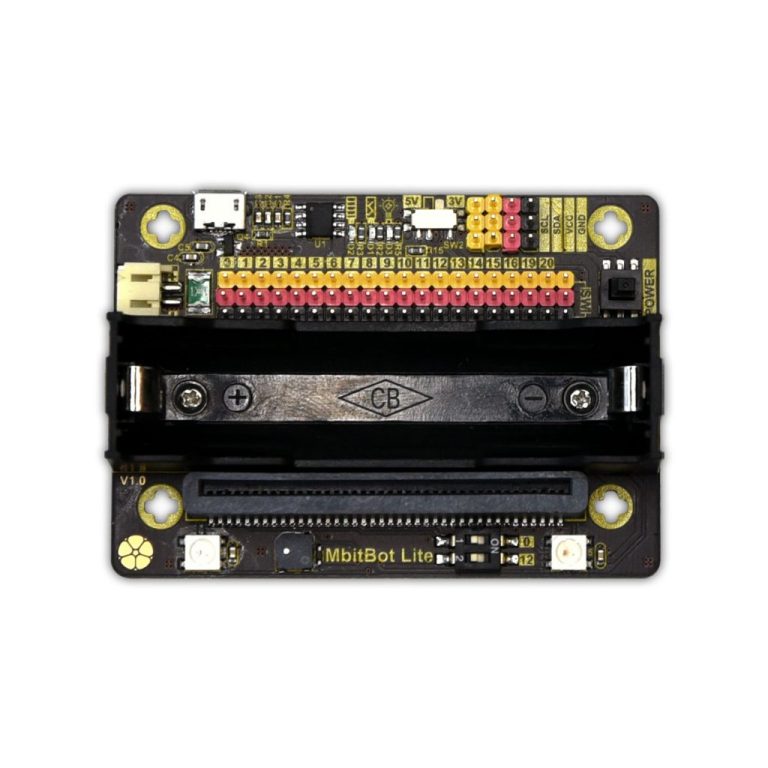
MbitBot Lite is a lightweight expansion board designed for micro:bit. It has a built-in RGB LED, a buzzer, and multiple I2C ports, and supports power from an 18650 lithium battery, making it easy to build portable micro:bit projects.
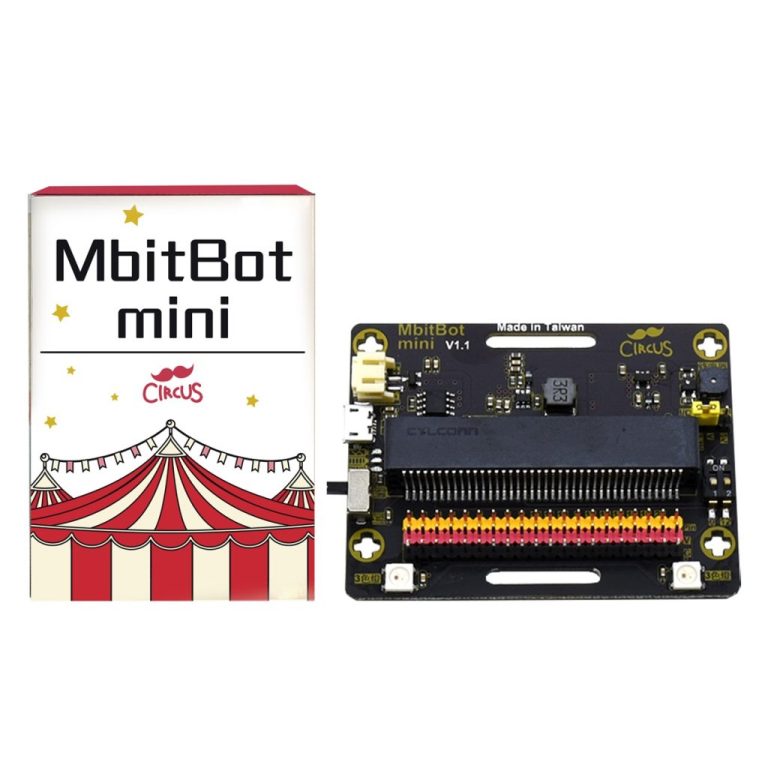
MbitBot mini is a compact micro:bit expansion board. With MakeCode block programming, students work from dot-matrix animations and light and motion sensing through to buzzer and RGB LED projects.
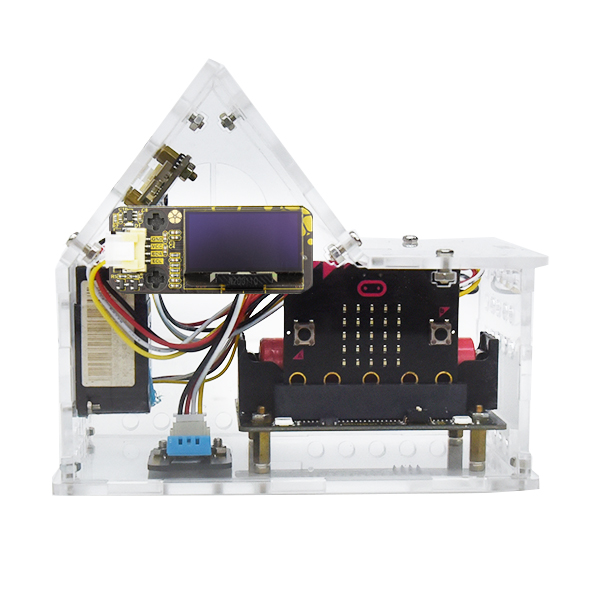
The micro:bit Air House (MbitBot Lite) is a teaching kit that simulates an air quality monitoring station. Students assemble it themselves and write programs in MakeCode so that the PM2.5 and temperature and humidity sensors in the house can detect air quality.
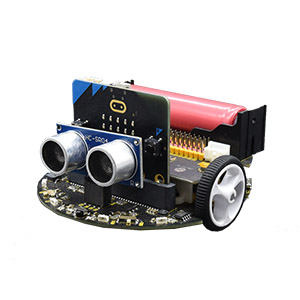
MoonCar (micro:bit) works with MakeCode block programming. Using line-following, ultrasonic, infrared, and color sensors, students learn self-driving car control and sensing applications step by step.