
MbitBot mini Discontinued
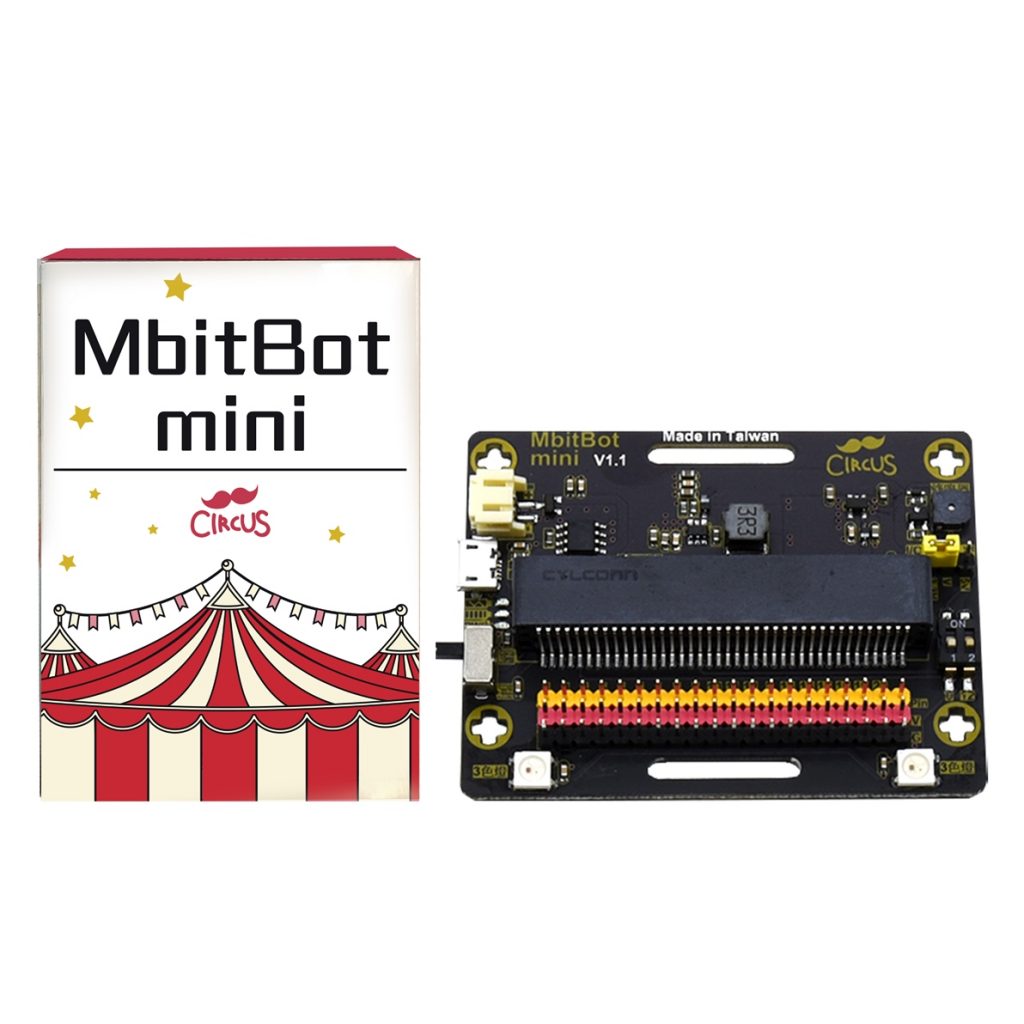
MbitBot mini is a compact micro:bit expansion board. With MakeCode block programming, students work from dot-matrix animations and light and motion sensing through to buzzer and RGB LED projects.
What this kit teaches
From micro:bit basics to light sensing
Use the starter program to see what functions are available and get to know the programming editor. Make a short animation on the 5 x 5 LED matrix on the front of the micro:bit. Use the buttons to switch between and display temperature sensor readings. Learn how light sensing works and read the sensor values in code.
From motion sensing to wireless messaging
Write code that detects hand shaking or tilt angle. Learn to sense acceleration and use random numbers to build a rock-paper-scissors game. Learn how to calibrate the electronic compass and read direction to build a treasure-hunt game. Use the micro:bit broadcast function to learn how to send and receive messages.
From little musician to multi-function projects
Connect a buzzer and play music with code. Connect an RGB LED and mix colors freely in code. Write a timer program and pair it with sensors to build an exercise game. Combine several functions into a fun project.
Course outline
01 Getting to know micro:bit
Unit content
- Use the starter program to see what functions are available and get to know the programming editor.
Matching materials: CIRCUS Pi course outline “micro:bit for Everyone,” Unit 1
02 Making mini animations
Unit content
- Make a short animation on the 5*5 LED matrix on the front of the micro:bit.
Matching materials: CIRCUS Pi course outline “micro:bit for Everyone,” Unit 2
03 Temperature observer
Unit content
- Use the buttons to switch between and display temperature sensor readings.
Matching materials: CIRCUS Pi course outline “micro:bit for Everyone,” Unit 3
04 Light sensing
Unit content
- Learn how light sensing works and read the sensor values in code.
Matching materials: CIRCUS Pi course outline “micro:bit for Everyone,” Unit 4
05 Motion sensing
Unit content
- Write code that detects hand shaking or tilt angle.
Matching materials: CIRCUS Pi course outline “micro:bit for Everyone,” Unit 5
06 Rock-paper-scissors
Unit content
- Learn to sense acceleration and use random numbers to build a rock-paper-scissors game.
Matching materials: CIRCUS Pi course outline “micro:bit for Everyone,” Unit 6
07 Treasure hunt
Unit content
- Learn how to calibrate the electronic compass and read direction to build a treasure-hunt game.
Matching materials: CIRCUS Pi course outline “micro:bit for Everyone,” Unit 7
08 Wireless messaging
Unit content
- Use the micro:bit broadcast function to learn how to send and receive messages.
Matching materials: CIRCUS Pi course outline “micro:bit for Everyone,” Unit 8
09 Little musician
Unit content
- Connect a buzzer and play music with code.
Matching materials: CIRCUS Pi course outline “micro:bit for Everyone,” Unit 9
10 Magic LEDs
Unit content
- Connect an RGB LED and mix colors freely in code.
Matching materials: CIRCUS Pi course outline “micro:bit for Everyone,” Unit 10
11 Countdown timer
Unit content
- Write a timer program and pair it with sensors to build an exercise game.
Matching materials: CIRCUS Pi course outline “micro:bit for Everyone,” Unit 11
12 Multi-function projects
Unit content
- Combine several functions into a fun project.
Matching materials: CIRCUS Pi course outline “micro:bit for Everyone,” Unit 12
The course outline follows the official CIRCUS Pi course outline. Please contact us for the number of class periods, which depends on each school’s schedule.
Related tutorial articles
- The Must-Have micro:bit Expansion Board: MbitBot Mini
- [DIY] Make a Lucky Pointer with micro:bit and MbitBot Mini
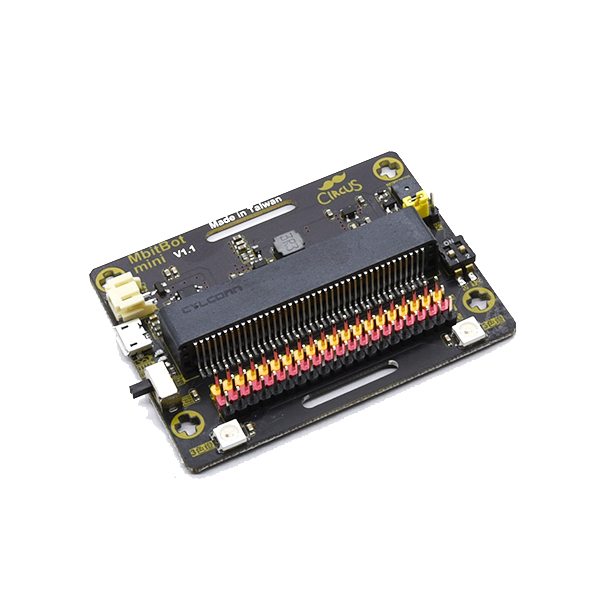
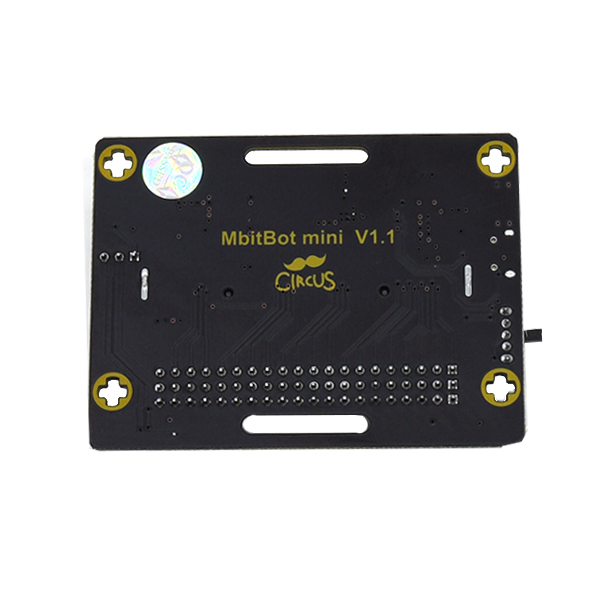
Compact micro:bit projects with the MbitBot mini expansion board


Tutorial video
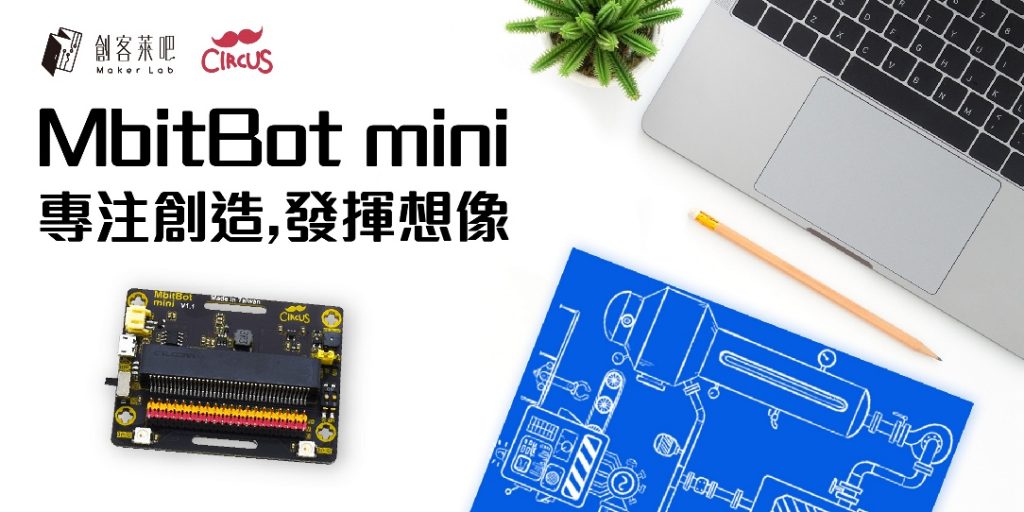
Make a Lucky Pointer with micro:bit and MbitBot mini (2:02)
Contact us
Your message goes straight to our team, and we usually reply within one business day.
- 01Questions? Send us a message or add us on LINE.
- 02Quotes and orders, including international shipping
- 03Teacher training and professional development
Scan with your phone to add us on LINE.
Add us on LINE