
ROSKY2 Smart Mobile Platform
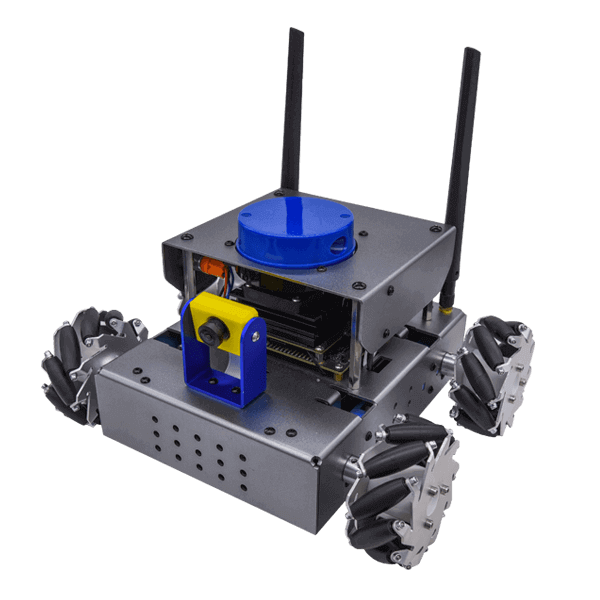
The ROSKY2 Smart Mobile Platform uses an NVIDIA Jetson Nano with a LiDAR sensor and a vision camera. Through the ROS 2 course, students learn core robot operating system concepts such as nodes, publish/subscribe, and services, and build mobile robot projects such as wall following.
What this kit teaches
What is the Robot Operating System?
Overview of Robot Operating System (ROS) 1 and Robot Operating System 2 (ROS 2); whether to use ROS 2 now; installing ROS 2; getting started with ROS 2 learning; and the ROSKY 2 mobile robot.
Creating ROS 2 server and client nodes
Introduction to servers, clients, services, and srv files; Python and servers; Python and clients; building packages and applications; what is a ROS 2 message interface?; and creating a ROS 2 message interface package.
ROS 2 and the parameter server; integrated example application—mobile robot
ROS 2 parameters; viewing the mobile robot’s parameters; declaring ROS 2 parameters in a node with Python; getting the mobile robot’s parameters in a node with Python; ROS 2 parameters and YAML files; and an introduction to action servers, action clients, actions, and action files.
Course outline
01 What is the Robot Operating System? (3 class periods)
Unit content
- Overview of Robot Operating System (ROS) 1
- Overview of Robot Operating System 2 (ROS 2)
- Should you use ROS 2 now?
- How do you install ROS 2?
- Ready to start your ROS 2 learning journey?
Matching materials: “ROS2 Complete Self-Study Manual,” Chapter 1
02 Getting started with ROS 2 and structuring your ROSKY2 robot project (3 class periods)
Unit content
- The ROSKY 2 mobile robot
- Connecting to ROSKY 2 remotely
- Programming and operating tools used in this manual
- Installing the ROS 2 build tools
- Creating a ROS 2 project
Matching materials: “ROS2 Complete Self-Study Manual,” Chapter 2
03 Building basic nodes with Python (2 class periods)
Unit content
- Writing a node in Python that prints “Hello World”
- ROS 2 and the command line interface
- Exploring Turtlesim—the first ROS 2 tutorial example
- ROSKY 2 and Turtlesim
Matching materials: “ROS2 Complete Self-Study Manual,” Chapter 3
04 Creating ROS 2 publisher and subscriber nodes (2 class periods)
Unit content
- Introduction to publishers, subscribers, topics, and msg files
- Python and publisher nodes
- Python and subscriber nodes
- Building packages and applications
Matching materials: “ROS2 Complete Self-Study Manual,” Chapter 4
05 Creating ROS 2 server and client nodes (2 class periods)
Unit content
- Introduction to servers, clients, services, and srv files
- Python and servers
- Python and clients
- Building packages and applications
Matching materials: “ROS2 Complete Self-Study Manual,” Chapter 5
06 Custom ROS 2 message interfaces (3 class periods)
Unit content
- What is a ROS 2 message interface?
- Creating a ROS 2 message interface package
- Creating a custom message interface
- Building packages and applications
- Challenge: using a custom ROS 2 message interface
Matching materials: “ROS2 Complete Self-Study Manual,” Chapter 6
07 Integrated example applications—Turtlesim (2 class periods)
Unit content
- Writing a publisher node to remotely control Turtlesim
- Writing a client node that calls Turtlesim services
- Getting the Turtlesim pose at a fixed rate
Matching materials: “ROS2 Complete Self-Study Manual,” Chapter 7
08 Advanced challenges—Turtlesim (1 class period)
Unit content
- Moving Turtlesim to a specified pose
- Cloning Turtlesim at a fixed rate
Matching materials: “ROS2 Complete Self-Study Manual,” Chapter 8
09 ROS 2 and the parameter server (3 class periods)
Unit content
- What are ROS 2 parameters?
- Viewing the mobile robot’s parameters
- Declaring ROS 2 parameters in a node with Python
- Getting the mobile robot’s parameters in a node with Python
- ROS 2 parameters and YAML files
Matching materials: “ROS2 Complete Self-Study Manual,” Chapter 9
10 ROS 2 and action services (2 class periods)
Unit content
- Introduction to action servers, action clients, actions, and action files
- Custom ROS 2 message interfaces
- Writing a publisher node to move the mobile robot
- Designing a ROS 2 action service
Matching materials: “ROS2 Complete Self-Study Manual,” Chapter 10
11 ROS 2 and launch files (2 class periods)
Unit content
- What is a launch file?
- Formats supported by launch files
- Writing ROS 2 launch files with Python
Matching materials: “ROS2 Complete Self-Study Manual,” Chapter 11
12 Integrated example applications—mobile robot (1 class period)
Unit content
- Controlling the mobile robot with the keyboard and recording odometry
- Wall following with the mobile robot while recording odometry
Matching materials: “ROS2 Complete Self-Study Manual,” Chapter 12
The course outline is based on the CIRCUS Pi teaching manual. Class period counts are estimates and can be adjusted to fit your class.
Hardware specifications
| Single-board computer | NVIDIA Jetson Nano Developer Kit (2nd generation) |
| GPU | 128-core NVIDIA Maxwell™ |
| CPU | Quad-core ARM A57 @ 1.43 GHz |
| Memory | 4 GB 64-bit LPDDR4 25.6 GB/s |
| Storage | microSD (card not included) |
| Video decoder | 4Kp60 | 2x 4Kp30 | 8x 1080p30 | 18x 720p30 (H.264/H.265) |
| Connectivity | Gigabit Ethernet, M.2 Key E |
| Camera | 2x MIPI CSI-2 connectors |
| Display | HDMI and DP |
| USB | 4x USB 3.0, 1x USB 2.0 Micro-B |
| Other | ‧ 40-pin header (GPIO, I2C, I2S, SPI, UART) ‧ 12-pin header (power and related signals, UART) ‧ 4-pin fan header |
| Mechanical specifications | 100 mm x 80 mm x 29 mm |
| Operating system | Xubuntu 20.04 Focal Fossa L4T R32.3.1 ROS2 – Foxy Python: 3.8.10 |
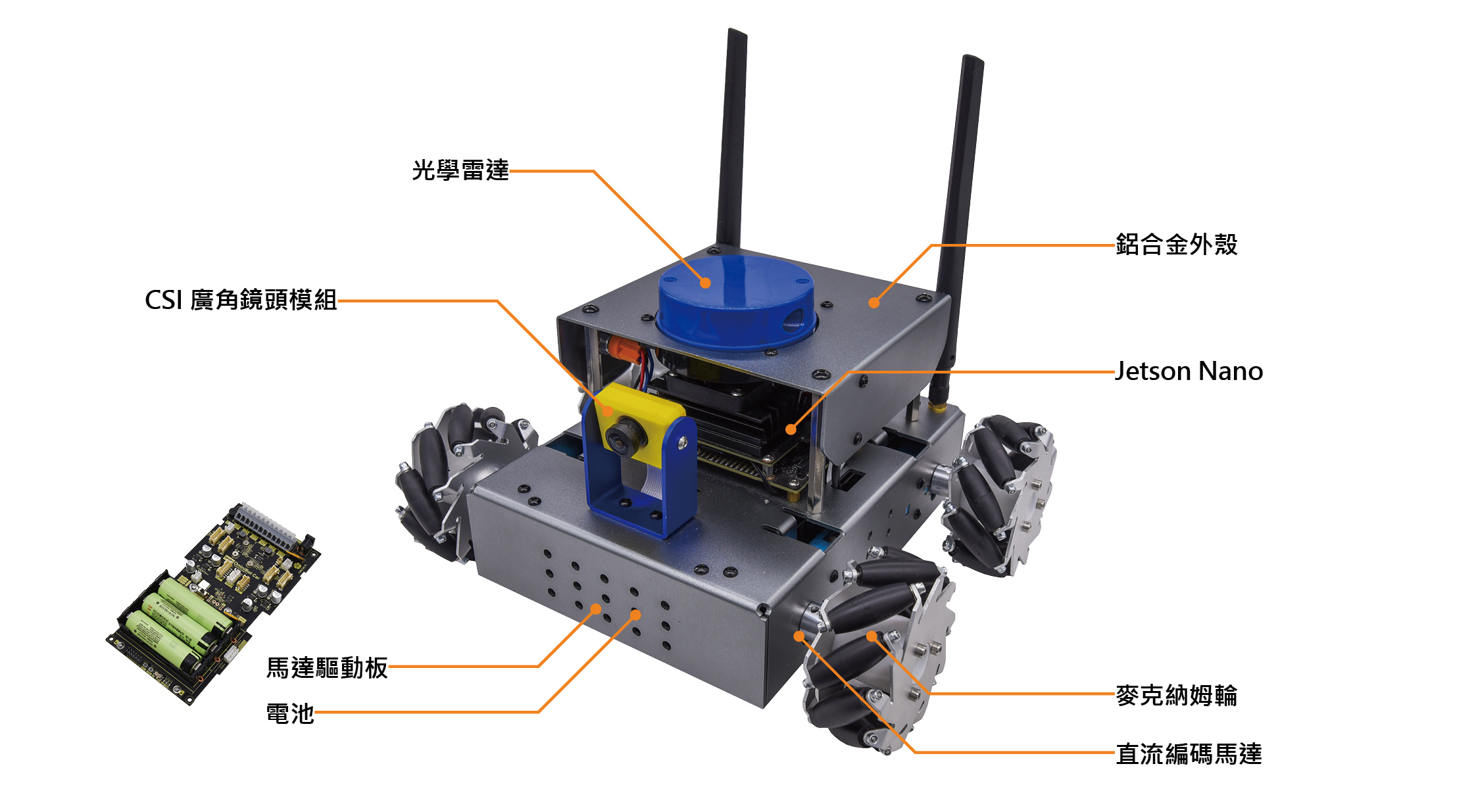
| Camera lens | ‧ Resolution 3280*2464 ‧ Size 25*24 mm ‧ Camera parameters ‧ CMOS 1/4 inch ‧ Aperture (F) 2.35 ‧ Focal length 3.15 mm ‧ FOV 160 degrees ‧ Distortion <14.3% |
| LiDAR | ‧ Scan frequency 6 Hz~12 Hz ‧ Ranging distance <10 m ‧ Ranging frequency up to 5 kHz |
| Motors | Metal gear motors (with encoders) ×4, rated voltage 6 V, torque 1.5 N.m, gear ratio 1:90 |
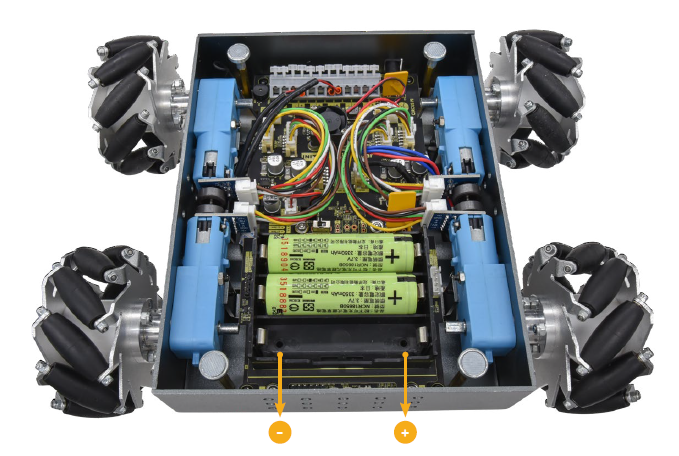
| Motor controller board | ‧ USB / TTL (UART) ‧ Input voltage: 10.8 V~16 V ‧ Controls 4 motors, encoder-equipped or standard DC ‧ 6-axis accelerometer ‧ 12 V/2 A power output port ×1 ‧ 5 V/4 A power output port ×3 ‧ 3.3 V/2 A power output port ×1 |
| Chassis | Aluminum alloy chassis (quick-release magnetic latch base plate) |
| Accessories | ‧ Cat 5e Ethernet cable ‧ Intel8265AC wireless card (includes 20 cm cable and antenna) ‧ Precision hex key set (7 pieces) ‧ HDMI female to VGA male adapter cable ‧ 12.6 V 2 A lithium battery charger ‧ 18650 lithium battery 3400 mAh ×3 |
| Vehicle dimensions | About 200 x 210 x 160 mm (LxWxH) |
| Box dimensions | About 384 x 276 x 208 mm (LxWxH) |
Features
The ROSKY Smart Mobile Platform was a selected teaching material for the 2020–2022 “Taoyuan ROS Summer School Robotics Summer Course.” It is a teaching kit well suited to ROS learners, and the ROSKY 2 is the version compatible with ROS Summer School.
- Jetson Nano 4 GB: faster processing and stronger performance
- YDLIDAR X4: scans to build maps, enabling navigation and obstacle avoidance
- IMX219-160 camera: enables visual recognition
- Aluminum alloy shell: improves the platform’s durability
- Mecanum wheels: give the chassis a complete motion-constraint model for control
Training events
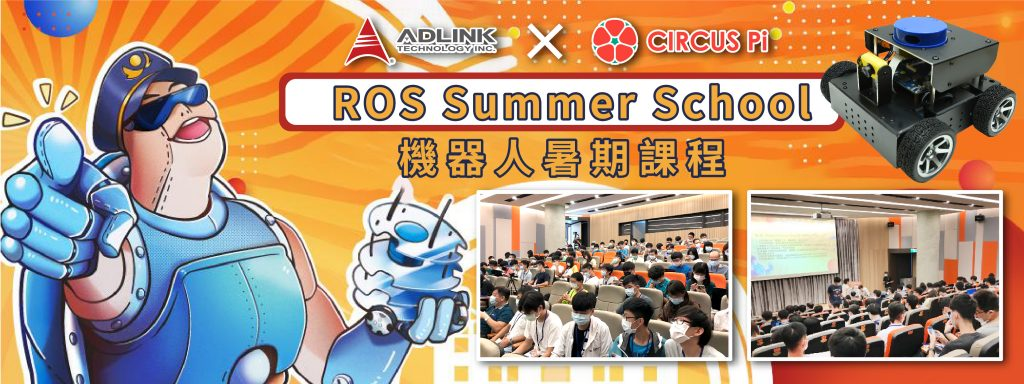
2020 Taoyuan ROS Summer School Robotics Summer Course
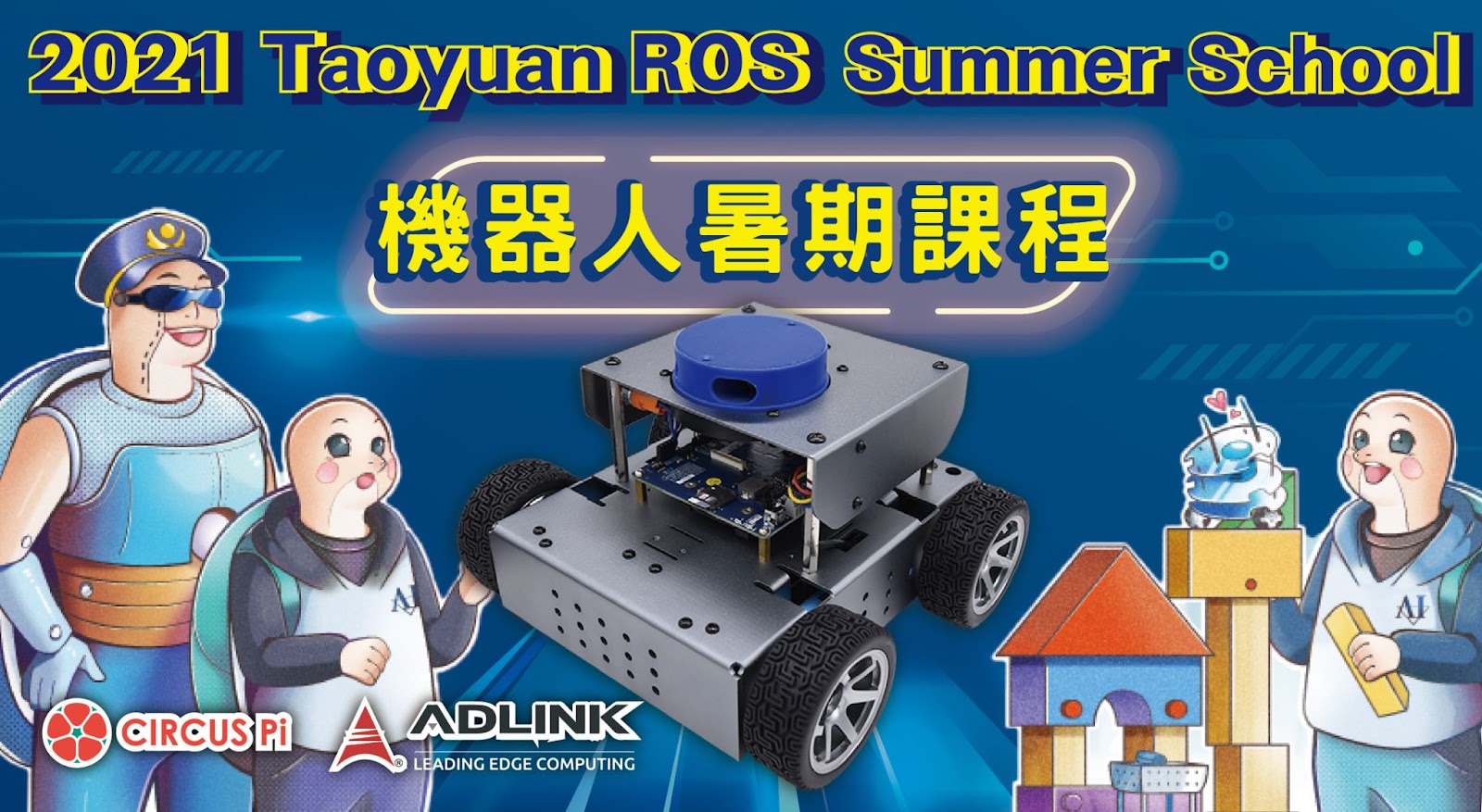
2021 Taoyuan ROS Summer School Robotics Summer Course
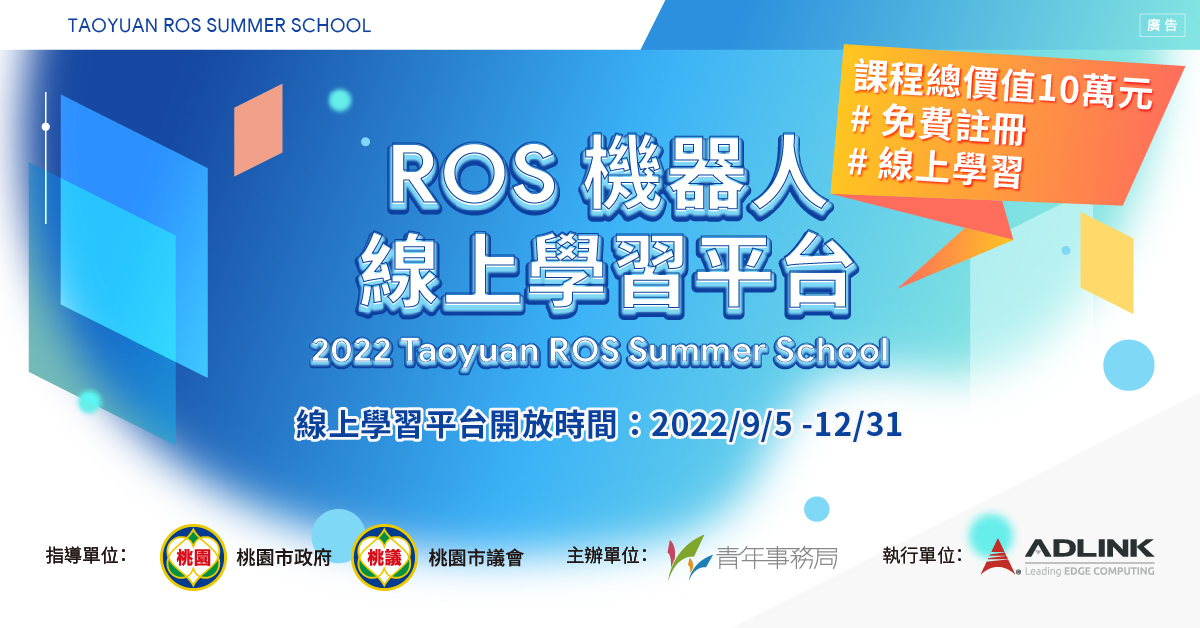
2022 Taoyuan ROS Summer School Robotics Summer Course
Videos
Contact us
Your message goes straight to our team, and we usually reply within one business day.
- 01Questions? Send us a message or add us on LINE.
- 02Quotes and orders, including international shipping
- 03Teacher training and professional development

Scan with your phone to add us on LINE.
Add us on LINE