
December 15, 2021: MoonCar (LinkIt 7697 vision recognition edition) basic hands-on online course
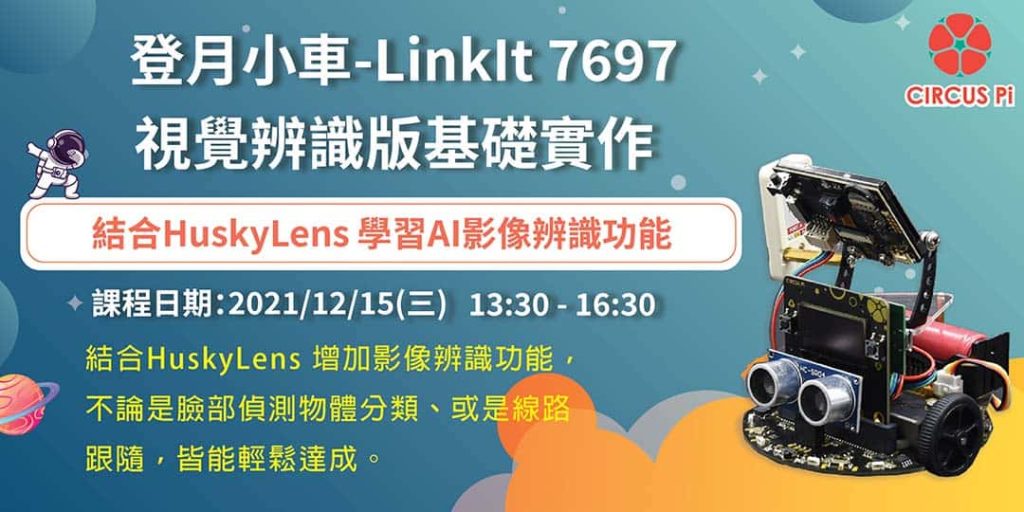
The long-awaited online course “MoonCar-LinkIt 7697 Vision Recognition Edition Basic Hands-On” finally began on December 15, 2021 (Wed), taught by instructor Hong Mingen.
We expect loyal fans of iCShop x CIRCUS Pi to have a MoonCar each, or even several MoonCars parked in their garages.
So we started up the MoonCars for a meetup and a good lesson together.
1. Course videos
2. Course materials
- Course slides
MoonCar-LinkIt 7697 Vision Recognition Edition Basic Hands-On course slides
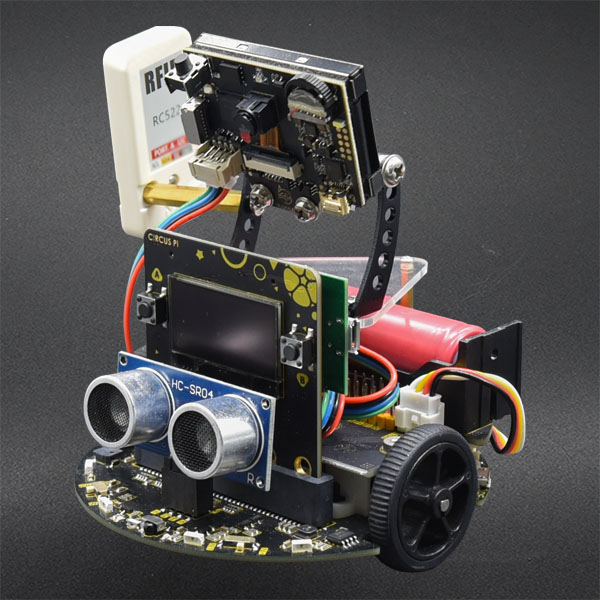
3. Teaching kit used: MoonCar (D+)-LinkIt 7697 Vision Recognition Edition
For more details about the MoonCar, see the two-part article “MoonCar Upgrade! Combining HuskyLens for AI Image Recognition,” which covers assembly instructions, software installation, and setting up the HuskyLens through to real applications comprehensively.

4. Course Q&A roundup
Q1. How do I set the ID number returned by face recognition, and how do I know which ID belongs to which face?
A1. The ID is generated automatically when the HuskyLens records a face. Just use the HuskyLens recording function.
Q2. How are the RFID blocks used?
A2. See the article “MoonCar Upgrade! Combining HuskyLens for AI Image Recognition (Part 2)” for a tutorial.
Q3. Are there different versions of our MoonCar?
A3. The MoonCars we offer come in two battery versions: lithium polymer and 18650 cell. For the vision theme, the 18650 battery version is required in order to mount the HuskyLens.
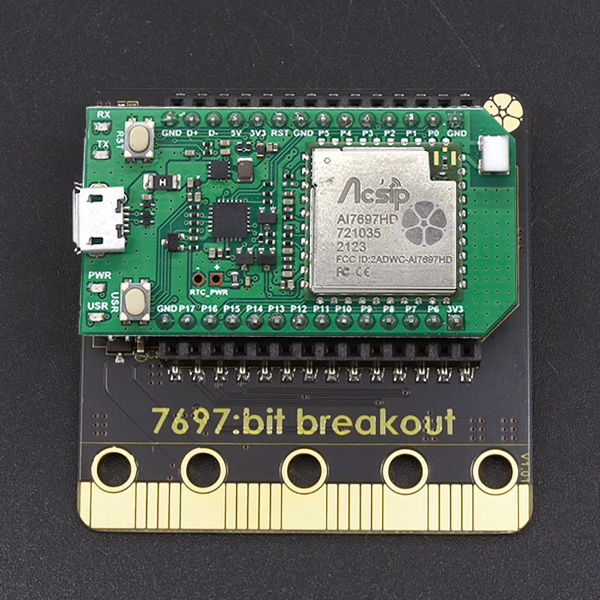
Q4. Where is the 7697 plugged in? On which board?
A4. The 7697 is mounted on the 7697:bit breakout expansion board, as shown below:

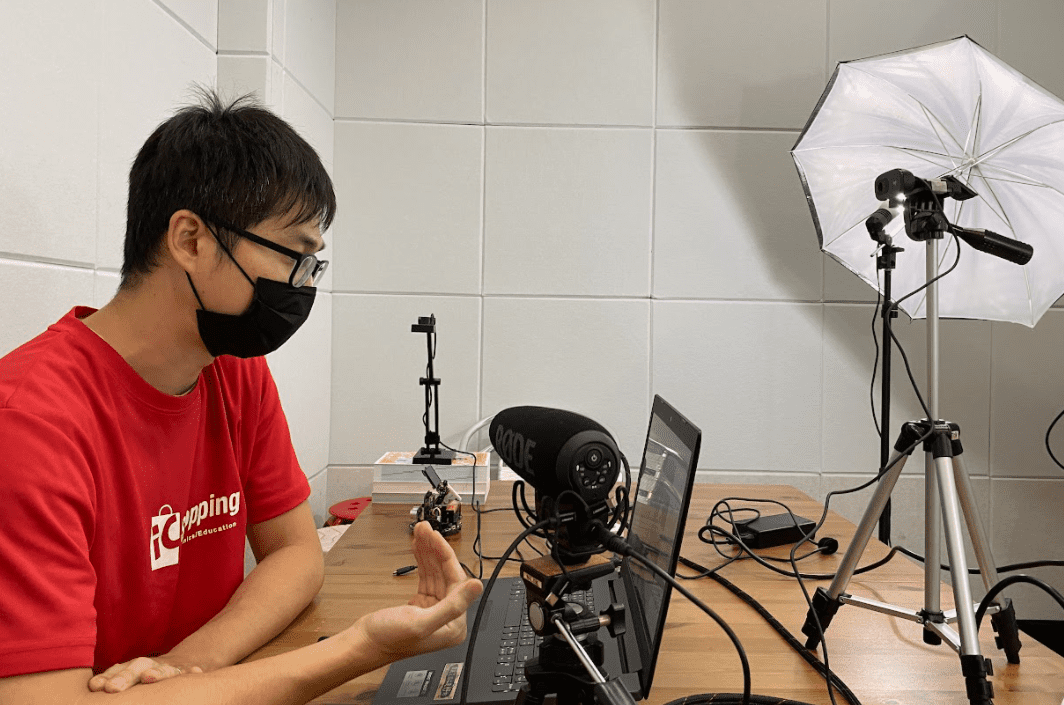
Course photo highlights
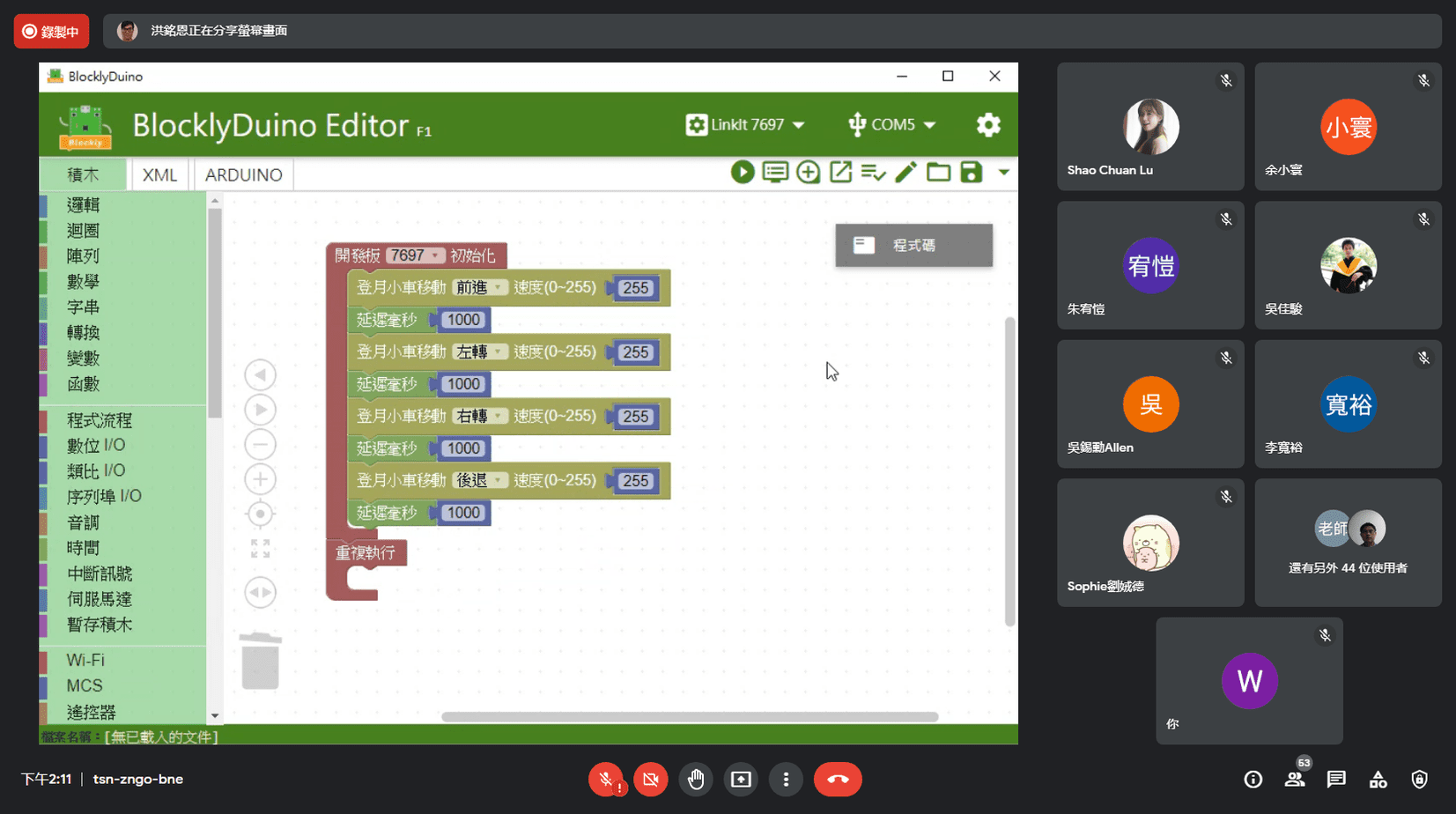
If you enjoyed our courses, follow our Facebook page and official LINE account for plenty of event content to explore.